A ring configurator that sells
Example JewellersAmsterdam
- Conversion
- +38%
- Returns
- −21%
- Time on page
- 3m 40s
The client wanted shoppers to see the ring they were buying, in every metal and stone.
© OpenStreetMap contributors — View larger map →
Composite
The body of a case study page: results above the Markdown, a map below it.
results renders as a description list above the body. A location with lat and lon adds a Map after it.
The client wanted shoppers to see the ring they were buying, in every metal and stone.
---
import CaseStudyLayout from '@alfadormx/blocks/composite/CaseStudyLayout.astro';

const location = {
  name: 'Amsterdam',
  address: 'Keizersgracht 1, 1015 CC Amsterdam',
  lat: 52.3731,
  lon: 4.8892,
  zoom: 14,
};
---

<CaseStudyLayout
  headline={{ title: 'A ring configurator that sells', htmlTag: 'h2' }}
  client="Example Jewellers"
  date={new Date('2026-06-10T12:00:00Z')}
  results={[
    { label: 'Conversion', value: '+38%' },
    { label: 'Returns', value: '−21%' },
    { label: 'Time on page', value: '3m 40s' },
  ]}
  location={location}
>
  <p>The client wanted shoppers to see the ring they were buying, in every metal and stone.</p>
</CaseStudyLayout>map: false hides the map even when the location has coordinates.
Semantic colour tokens replaced raw palette values across the site.
---
import CaseStudyLayout from '@alfadormx/blocks/composite/CaseStudyLayout.astro';

const location = {
  name: 'Amsterdam',
  address: 'Keizersgracht 1, 1015 CC Amsterdam',
  lat: 52.3731,
  lon: 4.8892,
  zoom: 14,
};
---

<CaseStudyLayout
  headline={{ title: 'Brand refresh', htmlTag: 'h2' }}
  client="Example Co."
  date={new Date('2025-11-20T12:00:00Z')}
  location={location}
  map={false}
>
  <p>Semantic colour tokens replaced raw palette values across the site.</p>
</CaseStudyLayout>gallery renders a ContentCarousel after the body; contentCarousel configures it.
Semantic colour tokens replaced raw palette values across the site.

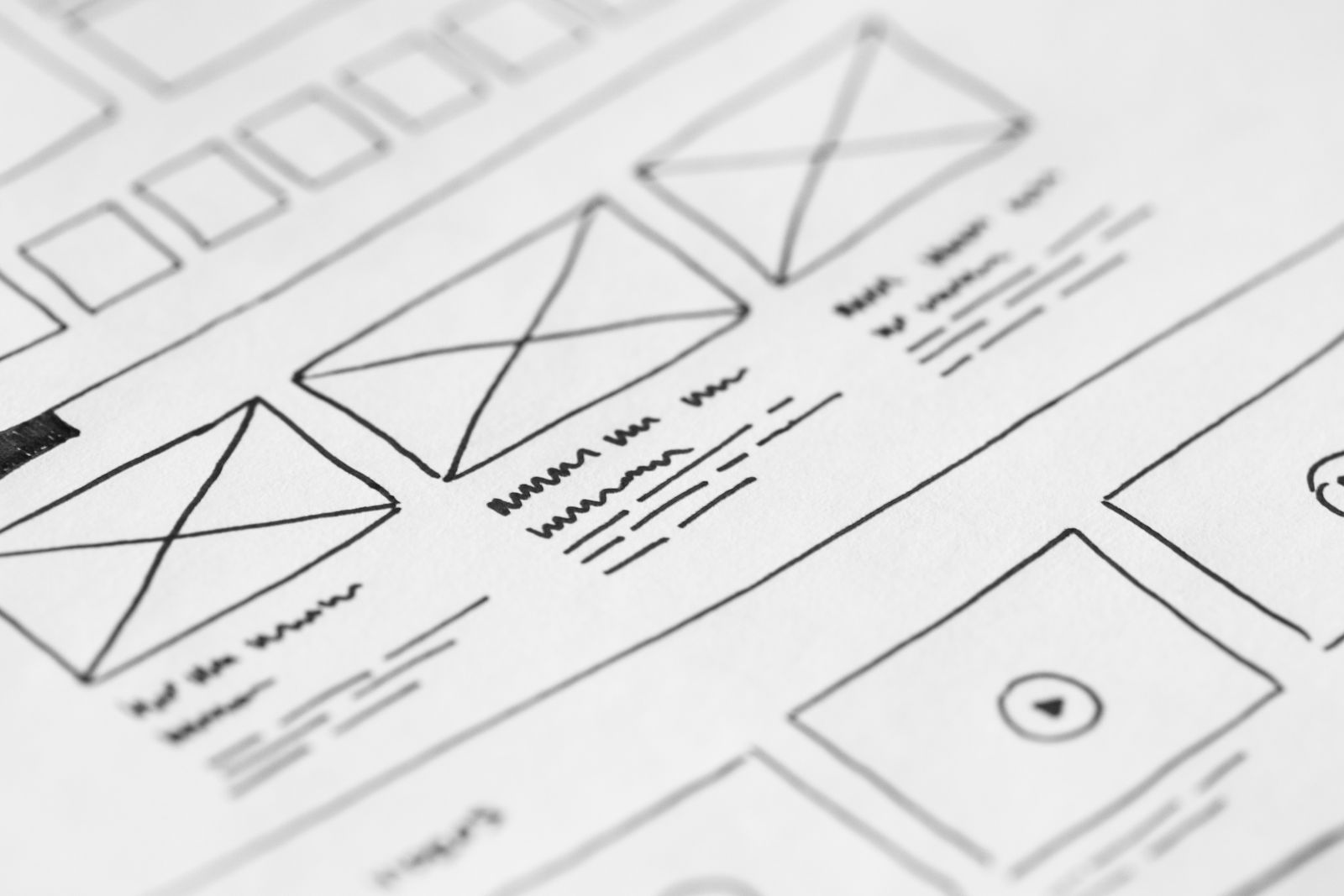

---
import CaseStudyLayout from '@alfadormx/blocks/composite/CaseStudyLayout.astro';
---

<CaseStudyLayout
  headline={{ title: 'Brand refresh', htmlTag: 'h2' }}
  client="Example Co."
  date={new Date('2025-11-20T12:00:00Z')}
  gallery={[
    {
      src: '~/assets/images/demos/portfolio/brand-refresh-1.jpg',
      alt: 'Wireframe sketches in a spiral notebook, next to a phone',
    },
    {
      src: '~/assets/images/demos/portfolio/brand-refresh-2.jpg',
      alt: 'Close-up of hand-drawn wireframes',
    },
    {
      src: '~/assets/images/demos/portfolio/brand-refresh-3.jpg',
      alt: 'A laptop screen showing a grid of images',
    },
  ]}
>
  <p>Semantic colour tokens replaced raw palette values across the site.</p>
</CaseStudyLayout>| Prop | Type | Default | Description |
|---|---|---|---|
| headline | HeadlineProps | — | Entry title (default: htmlTag 'h1'). |
| image | ImageProps | — | Cover image above the title. |
| tags | string[] | — | Tags under the body (default: []). |
| langCode | string | — | Language of the layout's dates and UI strings (default: the site's default language). |
| class | string | — | Classes on the layout root (`data-entry-layout`). |
| bodyClass | string | — | Classes on the Markdown body wrapper (`data-entry-body`), merged after `prose`; use typography modifiers such as `prose-lg` or `max-w-none`. |
| tagsClass | string | — | Classes on the tags list (`data-entry-layout-tags`). |
| client | string | — | Client name, first in the meta line. |
| date | Date | — | Project date, formatted in the layout language's locale. |
| results | { label: string; value: string }[] | [] | Headline figures shown above the body, value over label. |
| location | EntryLocation | — | Project location; with `lat` and `lon` the layout shows a Map after the body. |
| map | Omit<MapProps, 'lat' | 'lon'> | false | — | Map shown when `location` has coordinates; `false` hides it (default: zoom from the location or 13, height '320px'). |
| gallery | CarouselItem[] | [] | Images shown as a carousel after the body, before the map; renders only when non-empty. |
| contentCarousel | Omit<ContentCarouselProps, 'items'> | — | Configuration for the gallery ContentCarousel (default: { ariaLabel: per-language "Project gallery", defaultImageConfig: { widths: [640, 960, 1280], sizes: '(min-width: 768px) 768px, 100vw' } }); other image defaults are ContentCarousel's. |
| resultsClass | string | — | Classes on the results list (`data-case-study-results`). |